Required Canvas API Permissions
Check off each endpoint as you enable it. Categories collapse when all items are checked.
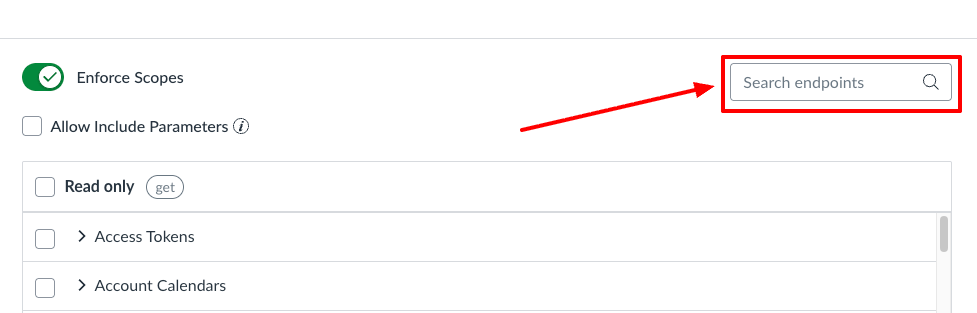
Quick Tip — Use the search box to find scopes faster
Click the Copy button next to each endpoint, then paste it into the Filter scopes search box in your Canvas Developer Key setup. This lets you quickly locate and enable each permission.
0 of 0 permissions enabled
0%
These permissions are configured during the LTI Developer Key setup in Canvas. If you have questions about specific scopes, contact support@rumidocs.com.
Copied!